Installation Guide
Learn how to download and install Probium on your computer.
How to Download and Install
Probium is available as a browser application that you can install on your computer.
Installation Steps
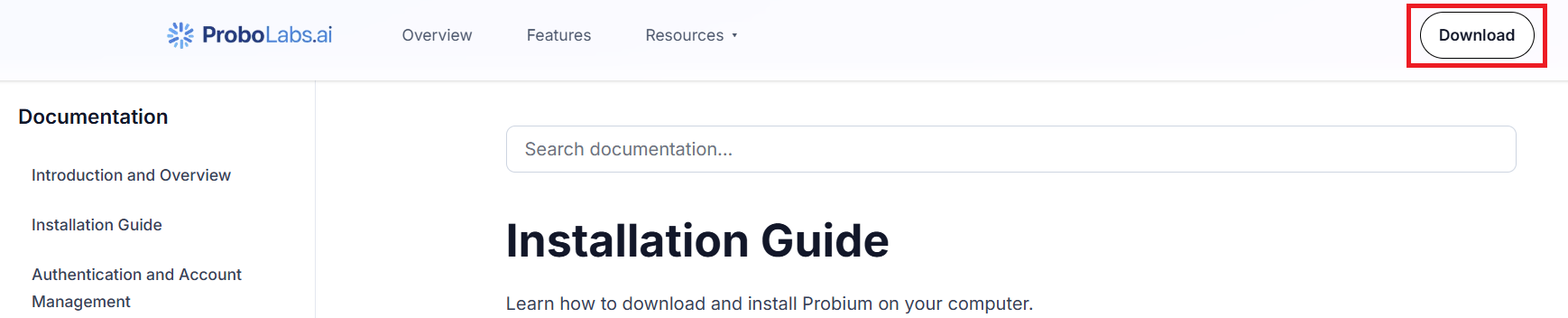
- Click "Download" button in the header of this page.
- Follow the installation wizard
- Once installed, launch Probium from your applications
- The application will open a browser with the Probium extension installed
- Follow the instructions on the page that opens.
Note: The Probium browser extension is automatically included with the application. You interact with it through a convenient side panel interface.