Sequences
Sequences allow you to group frequently repeated steps into reusable blocks. This simplifies scenario management and ensures consistency across your testing projects.
Creating a Sequence
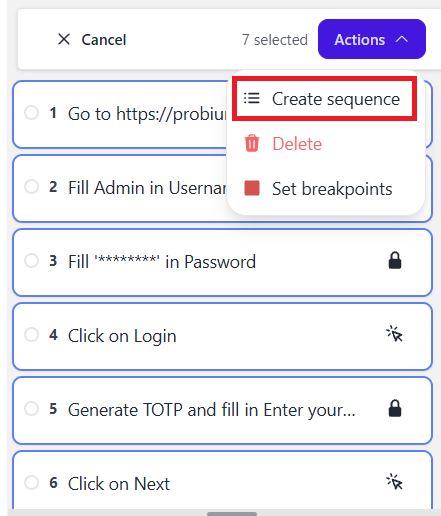
- In your scenario, select several consecutive steps you wish to group.
- Open the Actions menu and select Create sequence.
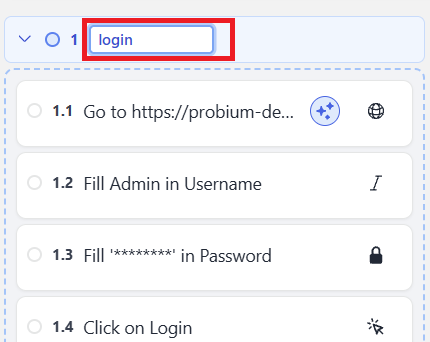
- To rename it, click on the default name and edit the text.
Using Sequences
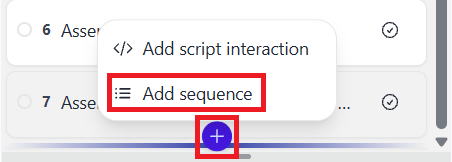
To add to a scenario: Click the Plus (+) icon, select Add sequence, choose your sequence, and click Add.
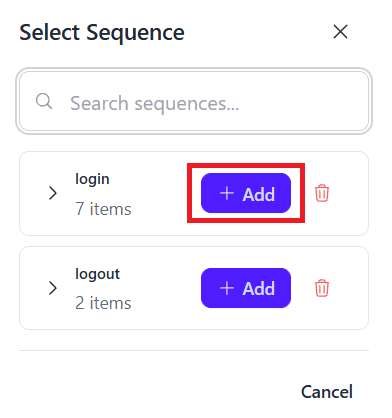
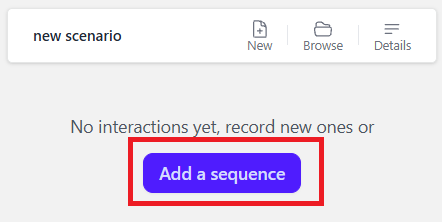
To start a new scenario with a sequence: Select Add sequence on the initial creation screen before recording.
Ungrouping and removing sequences
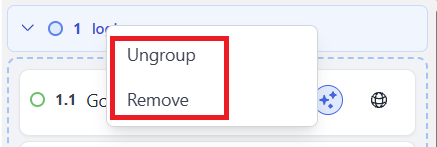
To break a sequence back into individual steps:
- Right-click the sequence in the scenario editor.
- Select Ungroup.
To remove a sequence from a scenario:
- Right-click the sequence in the scenario editor.
- Select Remove.